What is IoT Device Security & Smart Home Protection?
It is the practice of protecting connected devices, their firmware, your home network, the vendor cloud, companion apps, and the data those systems create. A secure setup uses unique credentials, prompt updates, network separation, limited permissions, and protected backups.
How does IoT device security and smart home protection work?
It works in layers. You reduce device exposure, keep firmware current, harden the router, secure cloud accounts with strong authentication, review app permissions, and encrypt sensitive files after they are exported to a computer or drive.
Are smart home devices secure?
Some are designed and supported better than others. Security depends on update support, authentication options, data practices, local-control features, network configuration, and how consistently the owner maintains the system.
What is the best method for IoT device security and smart home protection?
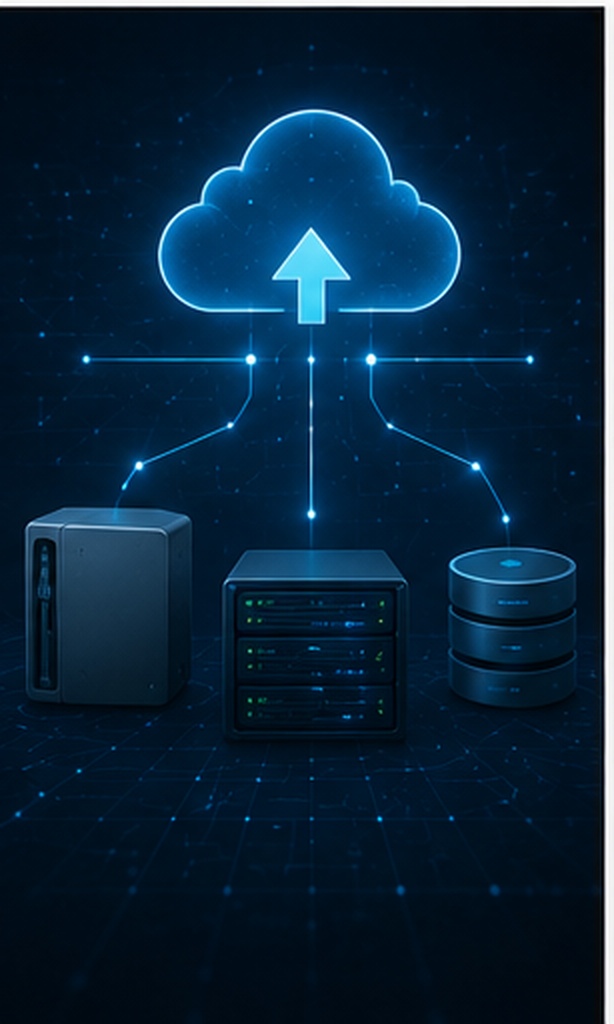
Use a layered method rather than one tool. Start with supported devices, unique passwords, multi-factor authentication, automatic updates, a separate IoT network, limited app permissions, and encrypted storage for exported recordings or backups.
What mistakes should be avoided with IoT security?
Avoid default passwords, abandoned devices, universal admin accounts, exposed remote access, unnecessary cloud integrations, shared family logins, unencrypted exports, and placing every device on the same trusted network.
What is the difference between data privacy and data security?
Privacy concerns who may collect, use, share, or retain information. Security concerns the controls that prevent unauthorized access, alteration, loss, or disclosure. A system can be technically secure while still collecting more personal data than you want.
How can I check if my data has been leaked?
Check breach-notification emails carefully, use a reputable breach-check service, review account login history, search for unfamiliar recovery details, and change reused passwords. Treat unexpected password-reset messages as a warning sign, not proof by themselves.
Are free privacy tools trustworthy?
Some are, especially open-source tools and features from established browsers or operating systems. Check the developer, update history, permissions, business model, independent audits, and whether the tool sends your data to its own servers.
How do companies collect personal data without my knowledge?
Connected products can collect telemetry, voice or motion events, device identifiers, usage patterns, location signals, and app analytics. Data may also flow through advertising SDKs, cloud integrations, support logs, and third-party services described only broadly in privacy policies.
What is the most important thing to do to protect my data?
Remove easy paths into your accounts. Use unique passwords, enable phishing-resistant or app-based multi-factor authentication where available, install updates, and maintain recoverable backups of important information.
Does using a VPN fully protect my privacy?
No. A VPN can protect traffic from local observers and change the IP address seen by websites, but it does not stop device telemetry, account tracking, cookies, cloud collection, compromised endpoints, or overbroad app permissions.
What is a USB security key?
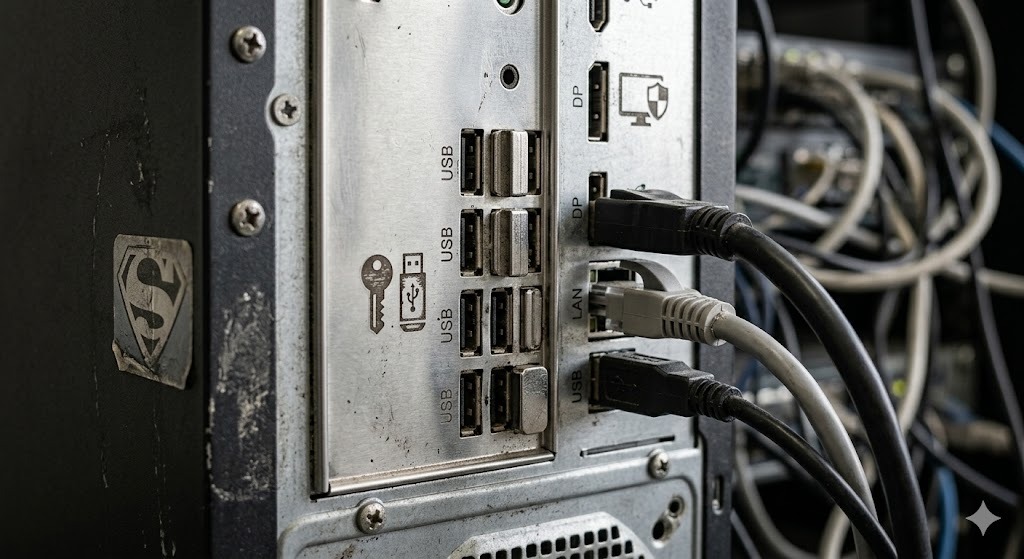
A USB security key is purpose-built authentication hardware that stores cryptographic credentials and communicates through standards such as FIDO2 or U2F. It is used to confirm account sign-ins and is different from an ordinary flash drive.
Can I use a regular USB as a security key?
Not as a genuine FIDO2 or U2F authenticator. A normal flash drive lacks the protected authenticator hardware and protocol support. Do not rely on renaming, formatting, or adding files to a flash drive to make it phishing-resistant.
How do I create a USB security key on Windows 11?
You normally register a compatible FIDO2 security key rather than convert a storage drive. In Windows or the account security settings, choose the security-key sign-in option, insert or tap the compatible key, create its PIN when prompted, and register a backup method.
What does “insert your security key into the USB port” mean?
The service is asking for the physical FIDO-compatible authenticator previously registered to that account. Insert it directly, touch its sensor if prompted, and enter its PIN if required. If you do not own the registered key, use the service's legitimate account-recovery path.
What are the privacy and security implications of using smart technology in the home?
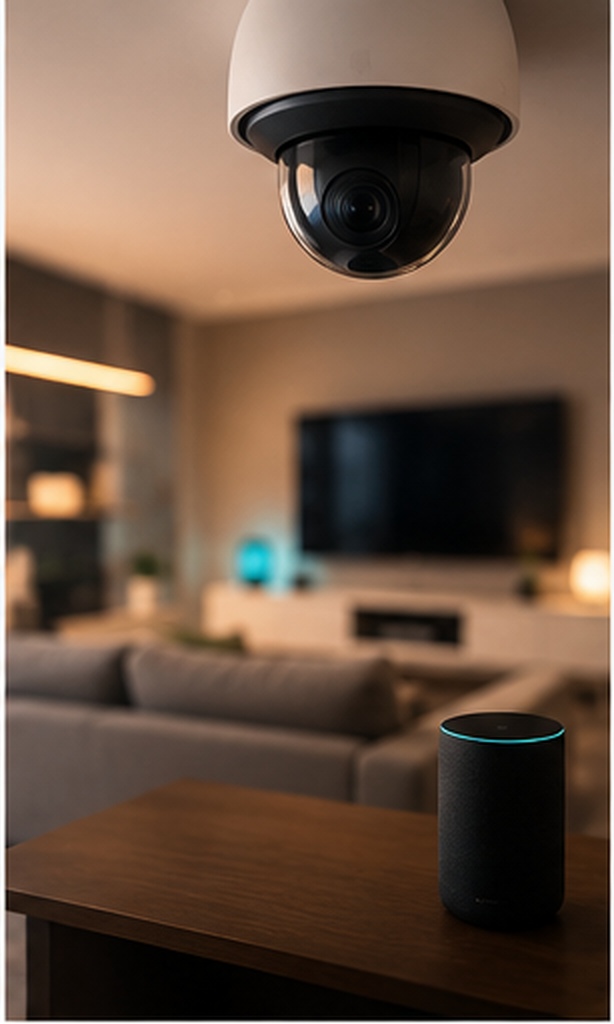
Smart technology can reveal routines, occupancy, conversations, energy use, visitors, and device relationships. Risks include weak accounts, vulnerable firmware, cloud breaches, excessive collection, employee or contractor access, and data sharing with analytics or advertising partners.
How can smart-home privacy and security risks be mitigated?
Buy supported products, change defaults, enable updates and MFA, isolate IoT devices, disable unused microphones and remote access, review retention settings, delete stale recordings, restrict integrations, and protect exported files.
What should I do after an IoT device data breach?
Disconnect or isolate the affected device, update it, change the device and account credentials from a trusted device, revoke sessions and integrations, review logs and recordings, notify household members, preserve evidence, and replace the product if support has ended.